There was a problem loading the comments.

How do I connect the phone to the internet?

Support Portal  »  Knowledgebase  »  Viewing Article

  Print

You can connect the phone to the internet by doing the following:
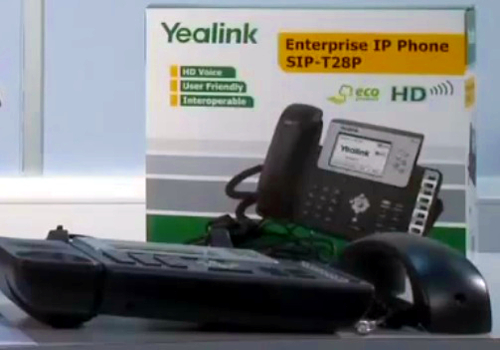
 

  • Remove the phone from the box


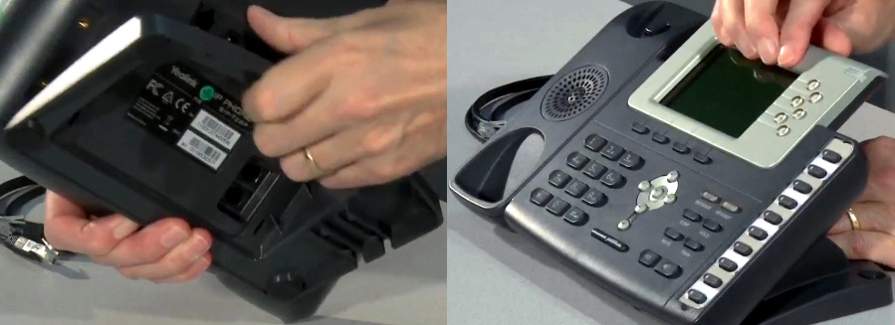
  • Connect the base to the main unit


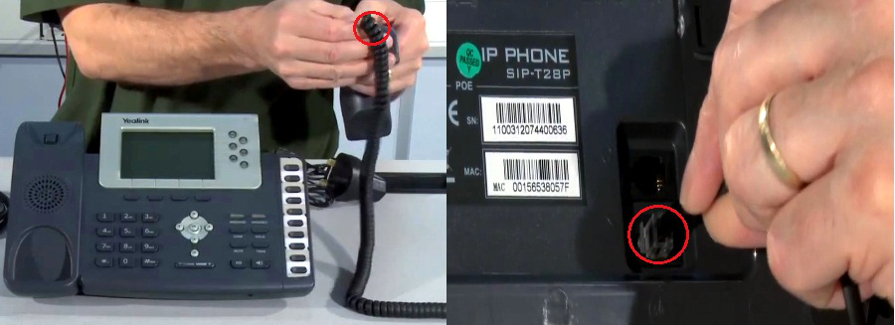
  • Connect the cord and handset underneath the main unit to the phone port right next to the headset port


  • You can provide power to your phone by the following 2 options (you can use them both at the same time or use only one)


         1. Using the power supply adapter to connect to the DC-5V port located underneath the main unit to connect to the wallsocket; connect an ethernet cord to the Internet port located underneath the main unit as well

             going to one of the ports at the back of your router (e.g. you can use either Port 1, 2, 3 or 4)
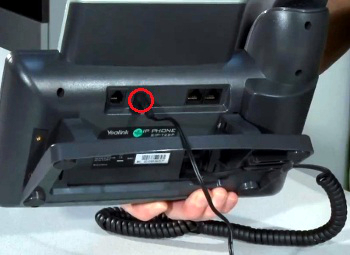


         2. Using the PoE (Power Over Ethernet) cord to connect to the Internet port located underneath the main unit going to one of the ports at the back of your router (e.g. you can use either Port 1, 2, 3 or 4)
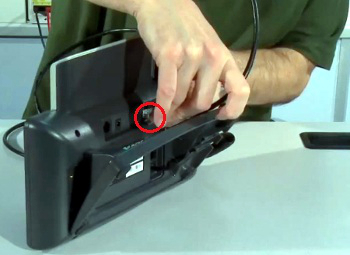
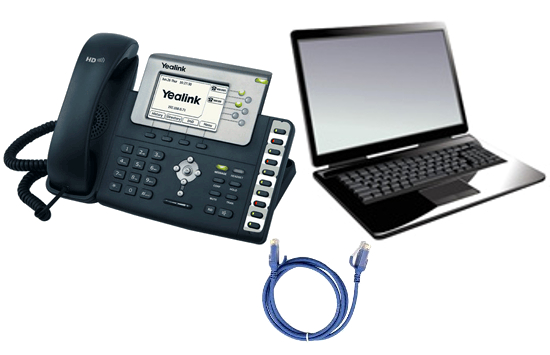


  • Once your phone is setup and powered up; connect another ethernet cord (supplied with the phone) to the PC port underneath the main unit running to the ethernet or LAN port of your computer (where your internet cable usually goes)


     NOTE: Your phone will act as a pass through device for your computer to have wired internet connection or daisy chain.


RELATED LINKS (7 RESULTS): FAQ - IP Phones


REMINDER: You can also download the attached PDF version of this tutorial.


Share via
Did you find this article useful?  

Related Articles


Comments

Add Comment

Replying to  

© Gridare Pty Ltd