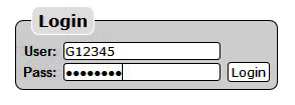
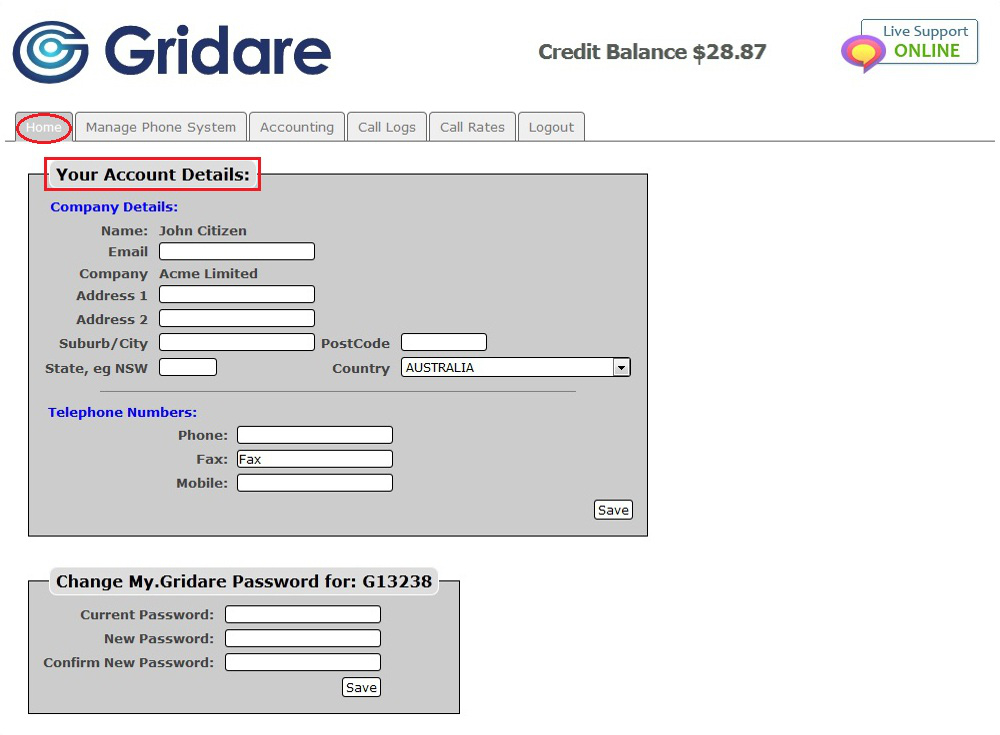
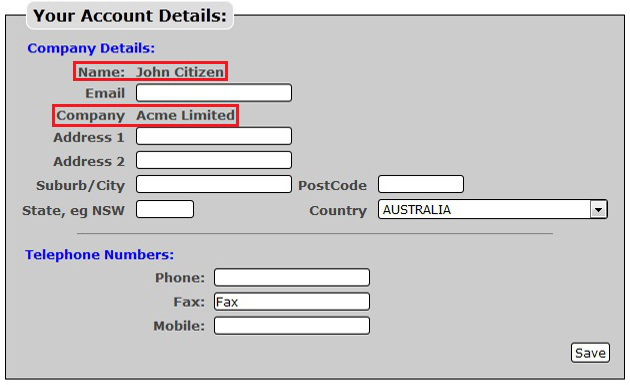
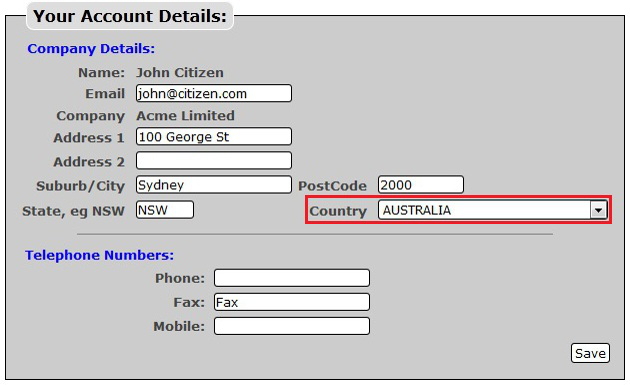
You can update the details of your online account by doing the following:

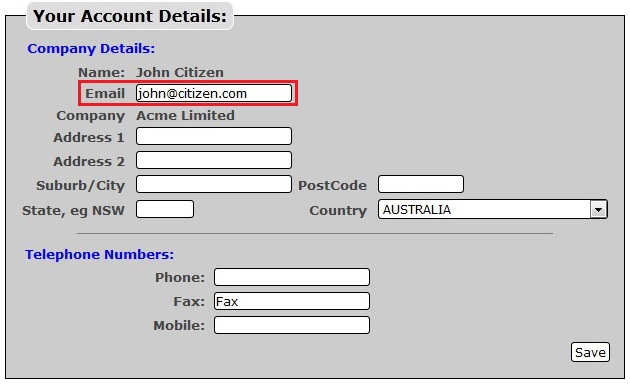
NOTE: Notifications and Invoices will be sent and assigned to the email address you put on the Email box.
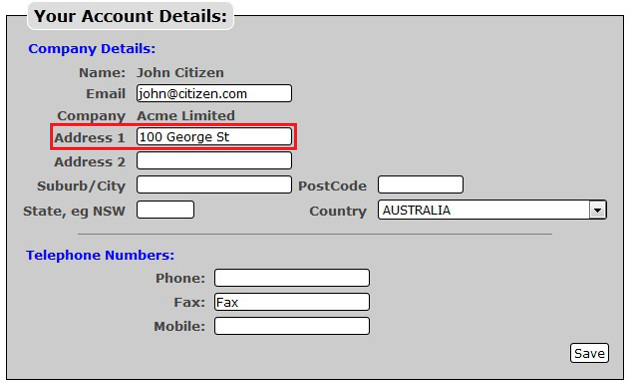
NOTE: You can put your P.O. Box if any in Address 2.
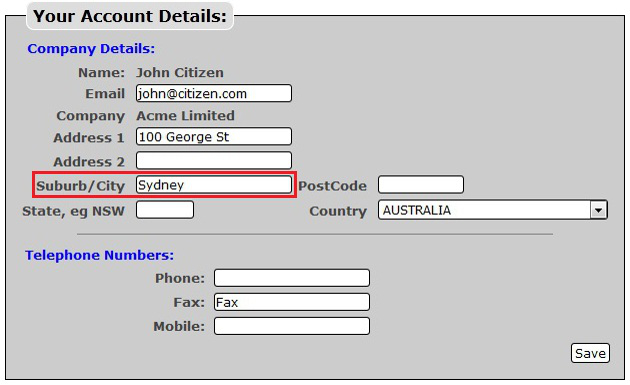
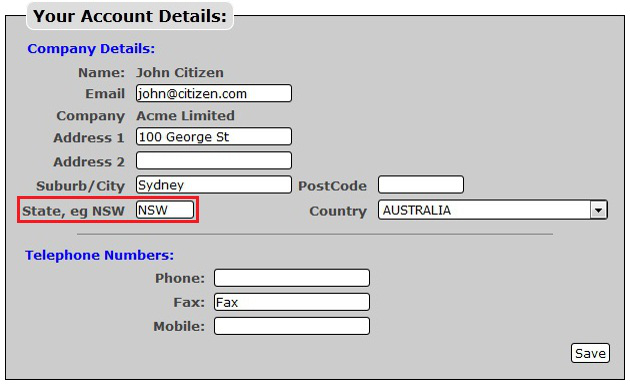
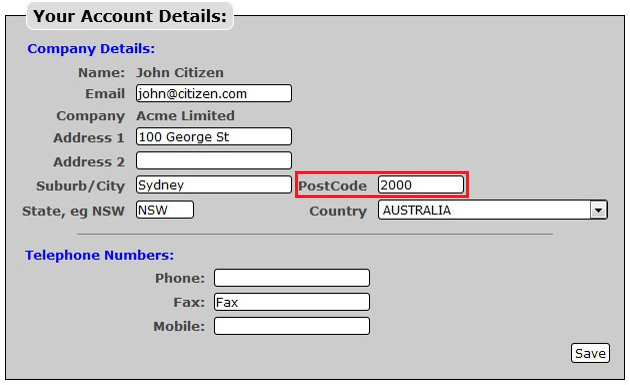
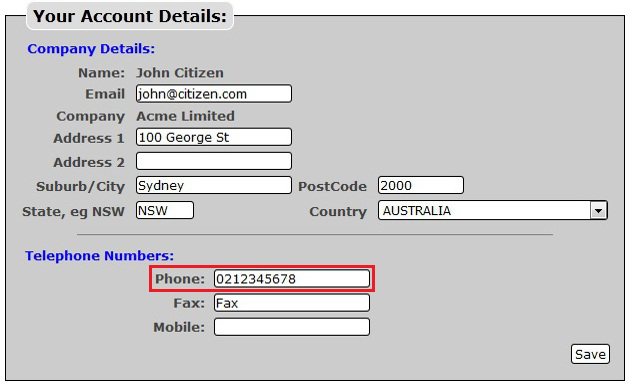
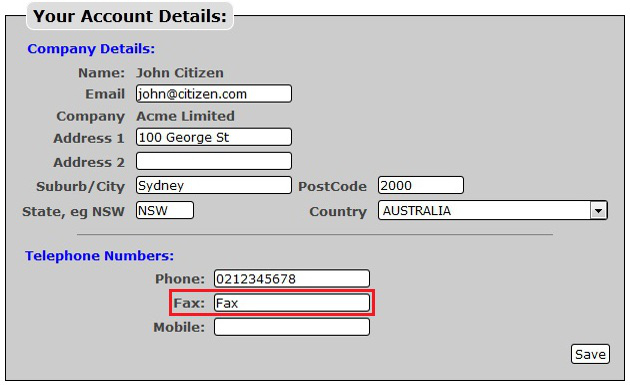
NOTE: If you don't have a fax number you can put in the word "Fax" in the box just as long as you don't leave the box empty.
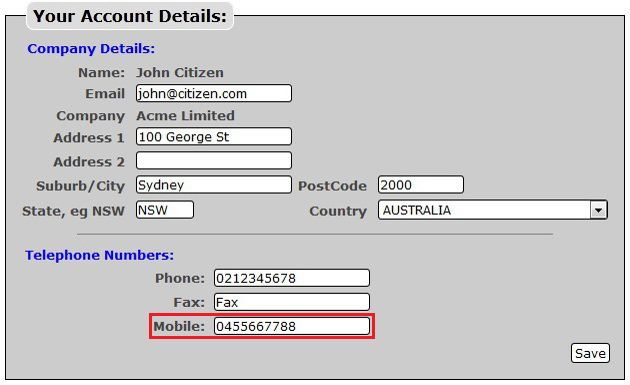
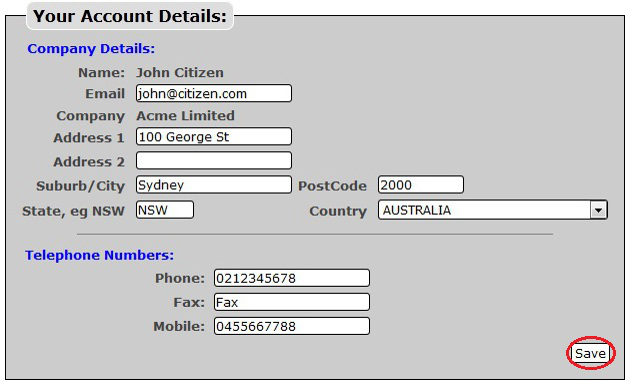
NOTE: Any update or changes you made under Your Account Details will be updated as well on Gridare's Internal Database.
RELATED LINKS (29 RESULTS): FAQ - Virtual PBX
REMINDER: You can also download the attached PDF version of this tutorial.