There was a problem loading the comments.

How can I modify time conditions?

Support Portal  »  Knowledgebase  »  Viewing Article

  Print

You can modify time conditions by doing the following:

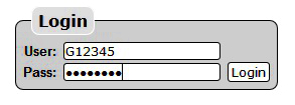


  • Log in using your Account ID: e.g. G12345 & the password sent to you by Gridare (which you can see from the Gridare Welcome Email)


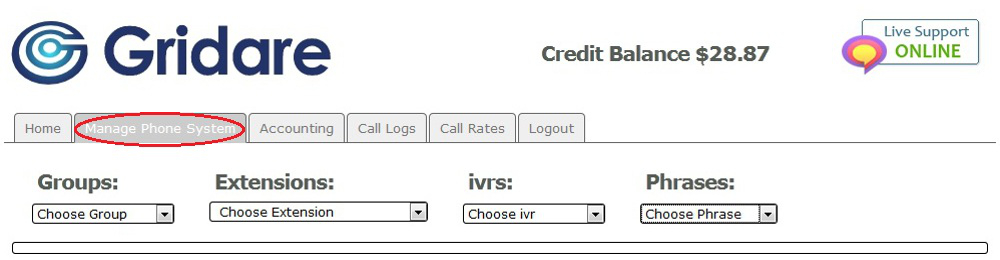
  • Once logged in go to the Manage Phone System tab


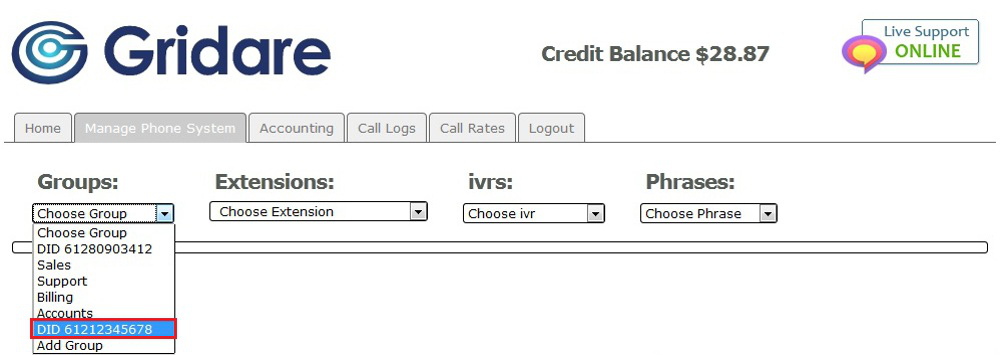
  • Go to Groups and choose the group: e.g. DID 61211223344 that you want to change


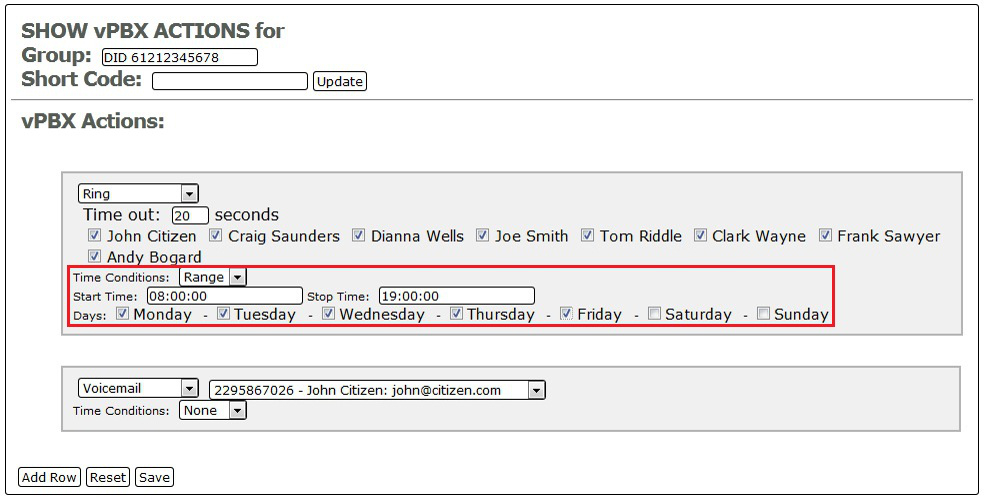
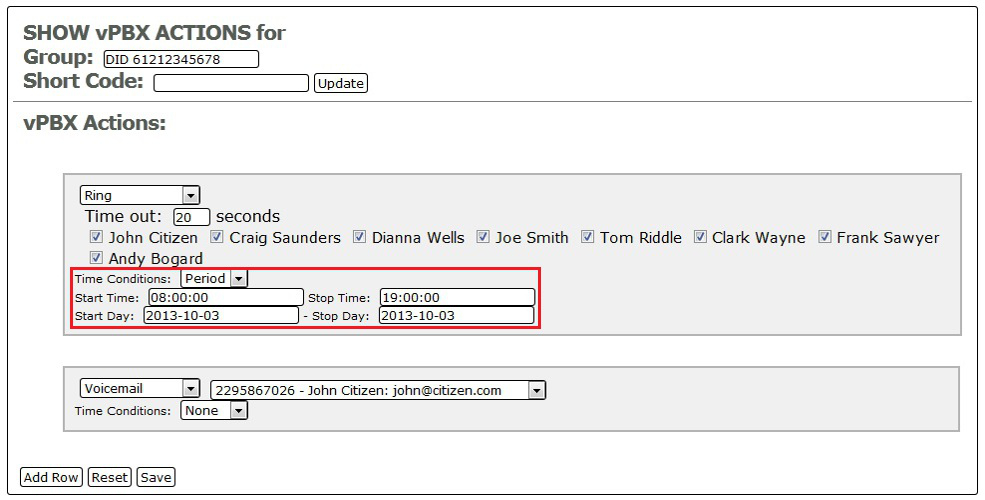
  • Under vPBX Actions choose the row that you would like to modify the time condition


        FOR TIME BASED (RANGE):


        FOR PERIOD BASED (PERIOD):


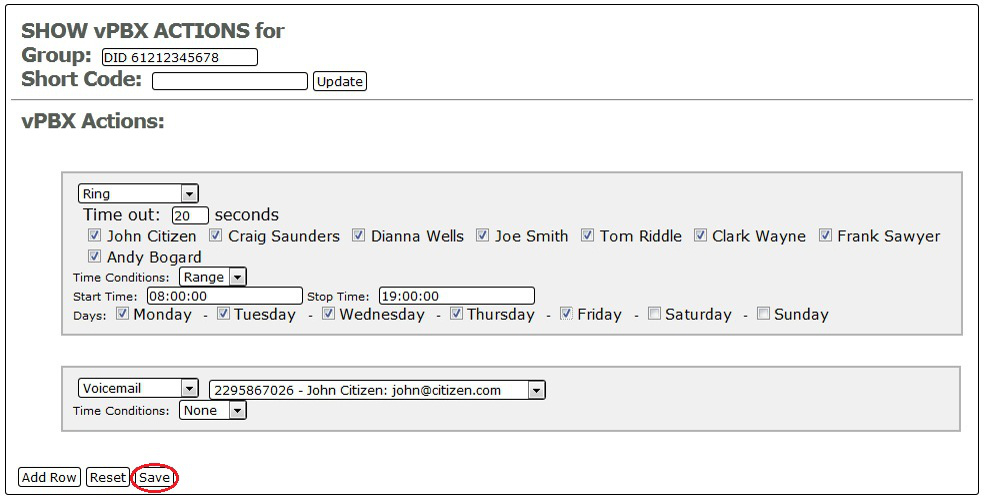
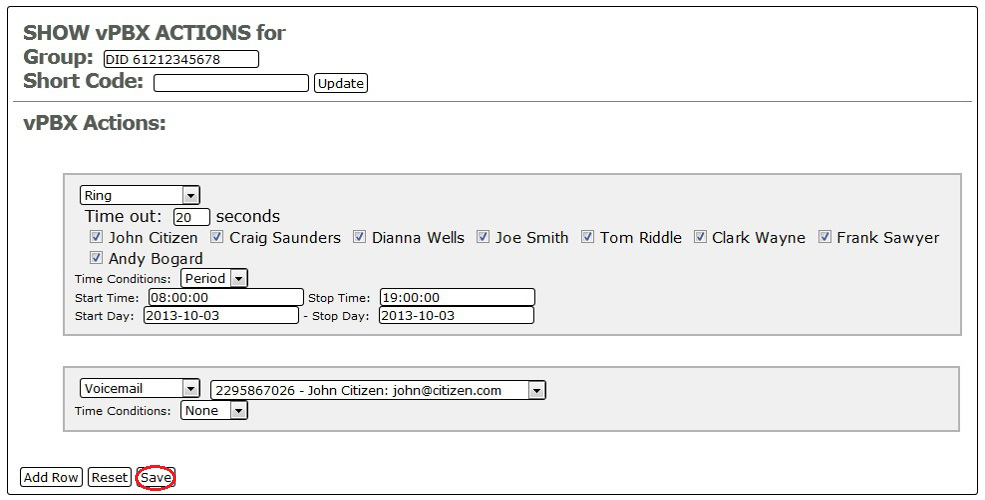
  • Once you're done modifying your time condition; click on Save at the bottom to save the settings


        FOR TIME BASED (RANGE):


        FOR PERIOD BASED (PERIOD):


RELATED LINKS (29 RESULTS): FAQ - Virtual PBX


REMINDER: You can also download the attached PDF version of this tutorial.


Share via
Did you find this article useful?  

Related Articles


Comments

Add Comment

Replying to  

© Gridare Pty Ltd