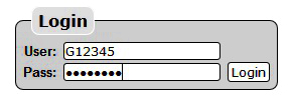
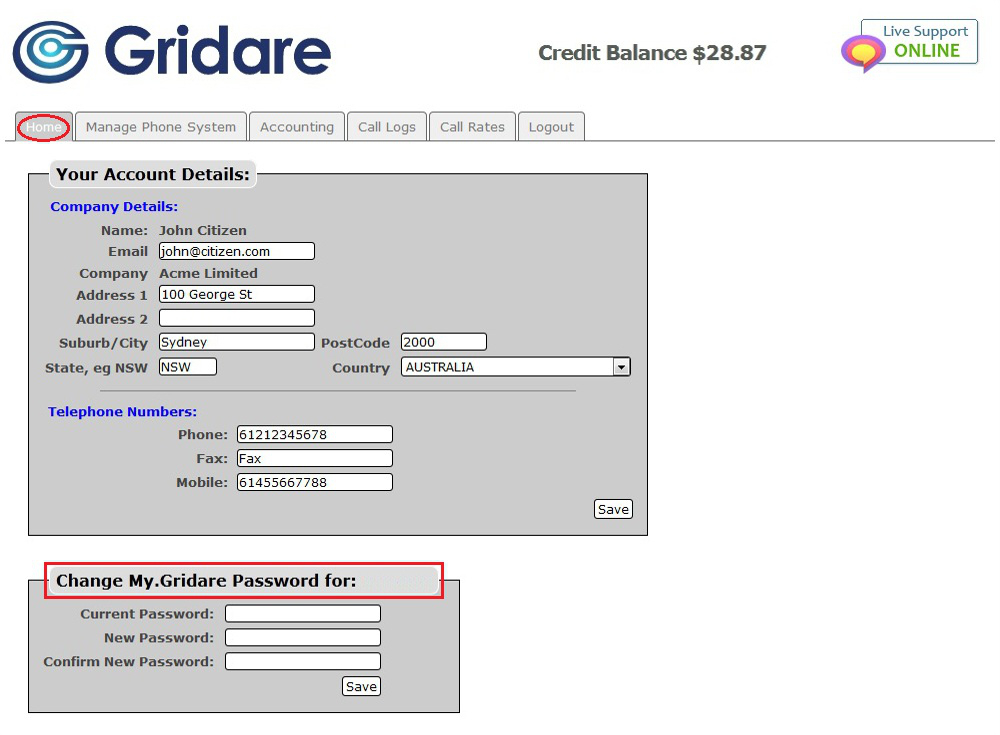
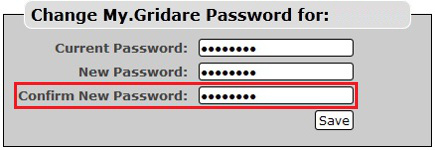
You can change the password of your online account by doing the following:

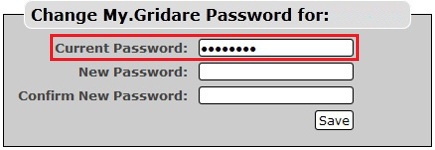
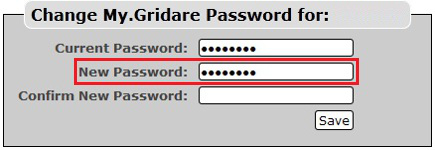
NOTE: Password should be at least 8 characters long with both capital and small letters. Make sure to include number(s) or special characters (e.g. @) on your password to make it more secure.
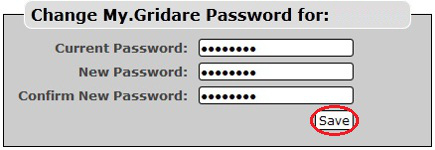
NOTE: Remember your new password; logout of your account and try logging in using your new password.
RELATED LINKS (29 RESULTS): FAQ - Virtual PBX
REMINDER: You can also download the attached PDF version of this tutorial.